1
Opening
Gameplay recording
May begin well before anything happens
Short-form edit
Begins close to the action, with just enough setup
Editing guide
Turning gameplay to shorts means making one moment understandable without the rest of the match. Start with a payoff worth watching, then keep only the setup that makes it land.
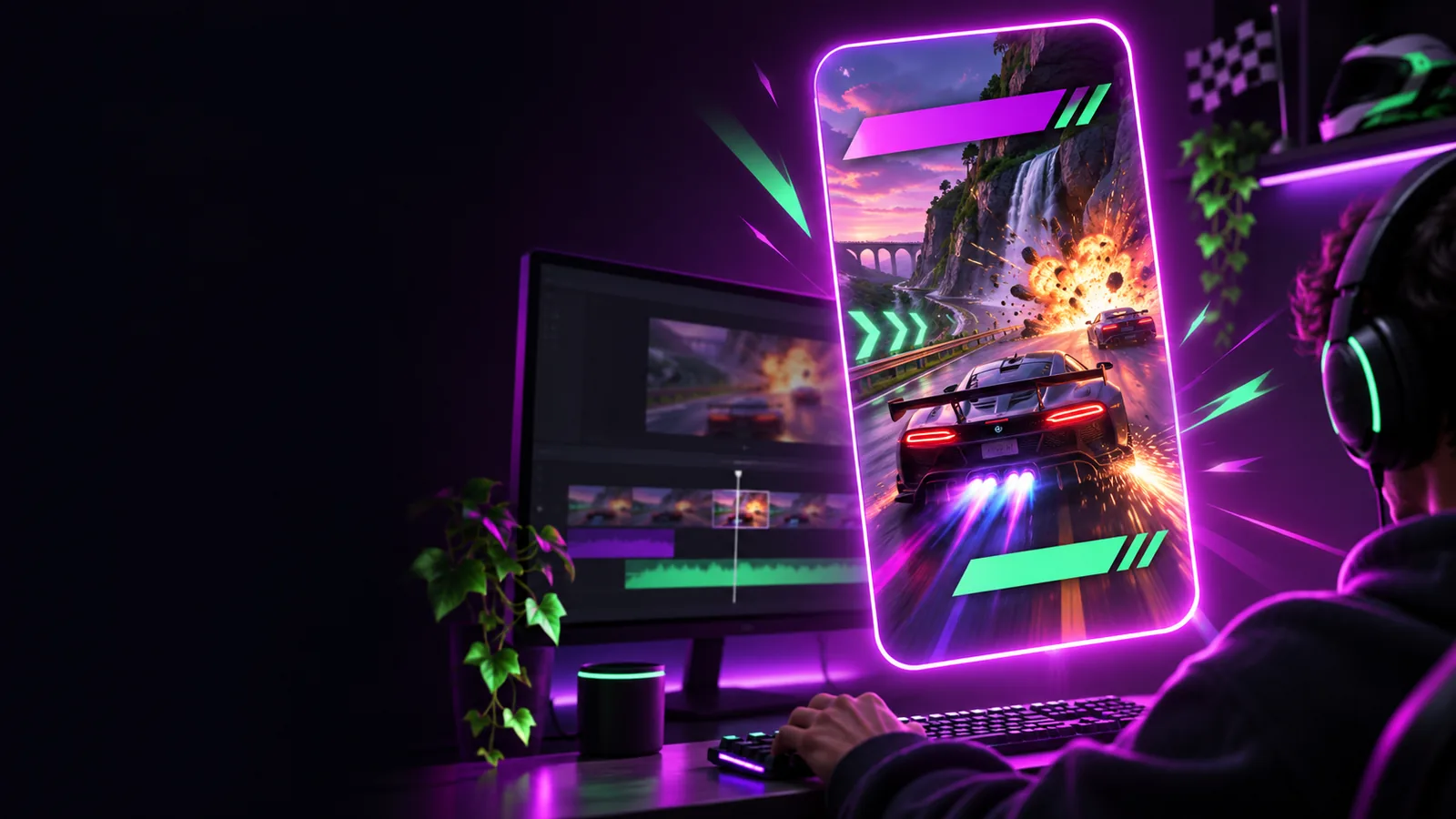
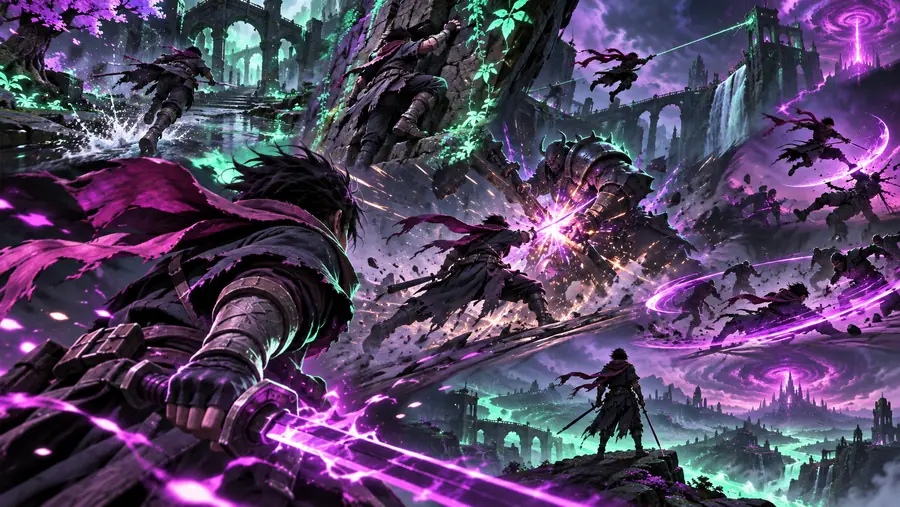
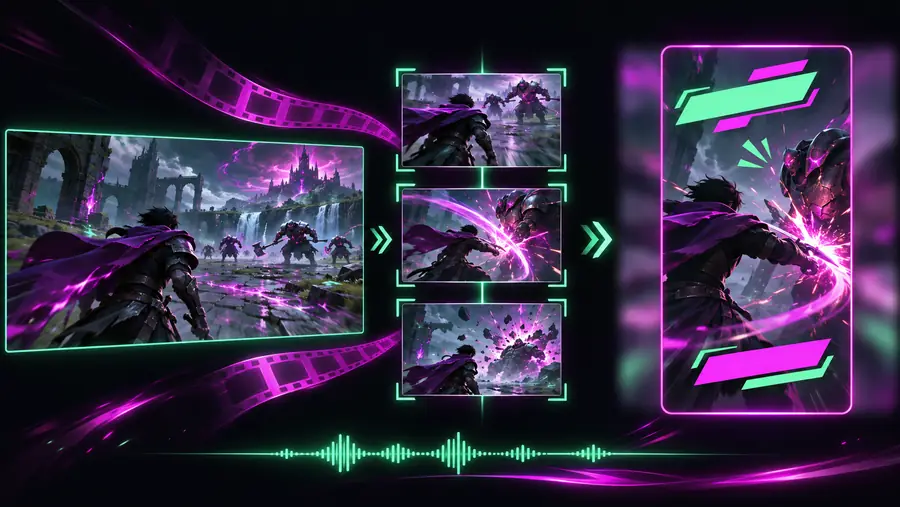
A full match gives viewers time to learn the stakes. A short has to establish them quickly, show the action clearly, and stop when the moment is over.
These are illustrative images, not before-and-after frames from one recording. In your own footage, compare the source moment with the final crop before publishing.
Use this checklist to decide what to keep. An editing tool can help assemble a draft, but the player still needs to judge whether the short makes sense to someone who did not watch the match.
Gameplay recording
May begin well before anything happens
Short-form edit
Begins close to the action, with just enough setup
Gameplay recording
May contain several plays and quiet stretches
Short-form edit
Follows one moment or tightly connected sequence
Gameplay recording
Shows the original game view
Short-form edit
Keeps the decisive action visible in the chosen crop
Gameplay recording
Builds gradually during play
Short-form edit
Makes the stakes clear through footage or a brief caption
Gameplay recording
Includes all game and voice audio
Short-form edit
Keeps reactions and cues that help explain the moment
Gameplay recording
Continues into the next stretch of play
Short-form edit
Stops after the payoff or immediate reaction
Different moments need different cuts. Pick the outcome you want viewers to understand, then check the footage against the relevant editing decision below.
A recording contains several strong plays, but only one has a clear beginning and payoff.
Choose that play first. Keep the approach, the decisive action, and the reaction; save unrelated highlights for separate shorts.
how can i convert a long video into short clipsA surprising win looks impressive, but the cropped view hides the opponent and the reason the play matters.
Recheck the crop throughout the action. If the crucial detail cannot stay visible, use a wider frame rather than forcing a tighter one.
clipit studio appThe funniest part is a teammate’s response immediately after a mistake.
Leave enough of the mistake to explain the reaction, retain the audible response, and cut before the conversation loses momentum.
what is clipitBring a recording and a clear idea of its payoff to the tool, then review the draft against the source. Check that the important action remains visible, captions do not cover it, and the ending comes after the moment viewers came to see.
Look for a moment with an identifiable setup and payoff, such as a close call, unexpected result, or reaction. If viewers need several minutes of match history to understand it, the moment may work better in a longer edit.
Start shortly before the action so viewers can see what is at stake. End after the outcome and any immediate reaction, rather than continuing into unrelated play.
Watch the entire draft in its intended frame, not just the opening shot. If the player, opponent, or key interface detail moves out of view, adjust the framing or keep a wider view for that portion.
Captions can clarify a quiet reaction or provide context the footage cannot show quickly. Keep them brief and place them where they do not hide the action, then check their timing against the audio.